 Silvia Ready
iPhone app · meCoffee PID
Silvia Ready
iPhone app · meCoffee PID
Know when your espresso machine is ready
I have a Rancilio Silvia with a meCoffee PID. Every morning I'd switch it on and then keep walking back to the kitchen to see if it was hot yet. So I built a small app that just tells me. Your phone buzzes when the machine is on, again when the boiler is at temperature, and once more when the whole thing is properly warm.
Coming to the App StoreFree to download and try. Ready Notifications is a one-time $9.99 purchase, no subscription. No account, no ads, no tracking.
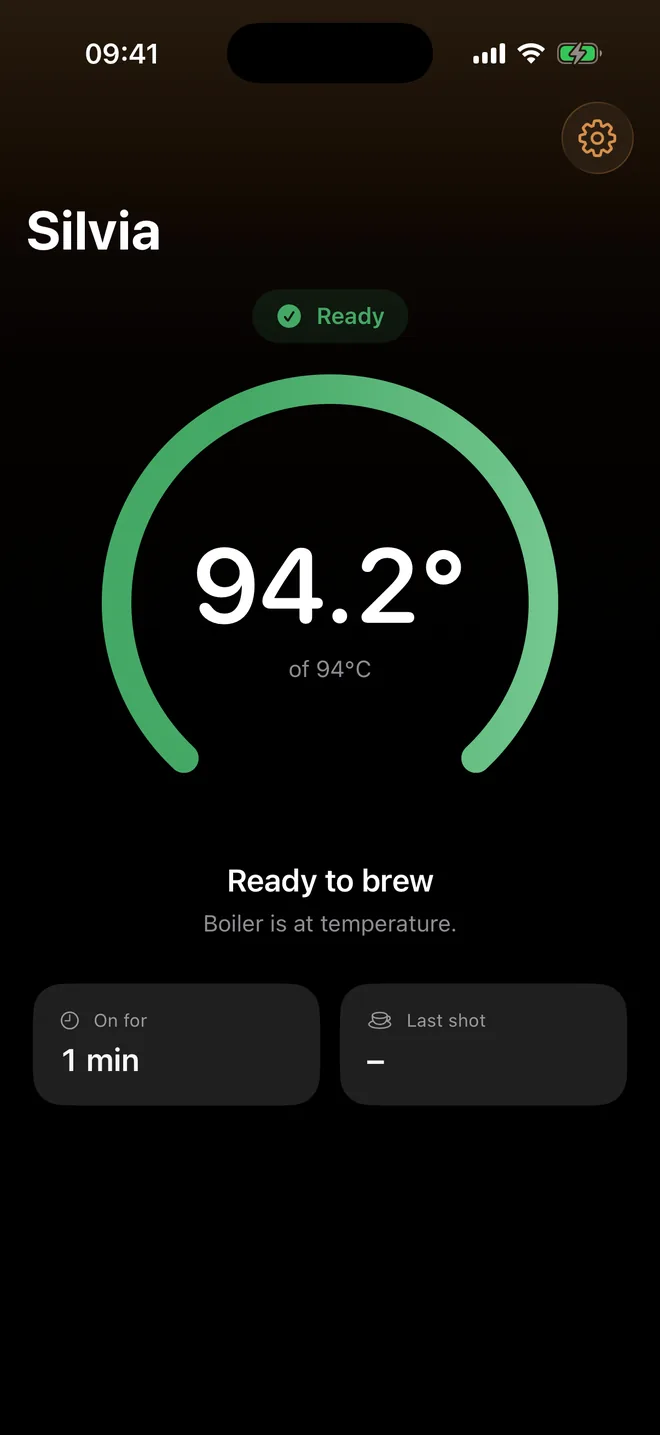
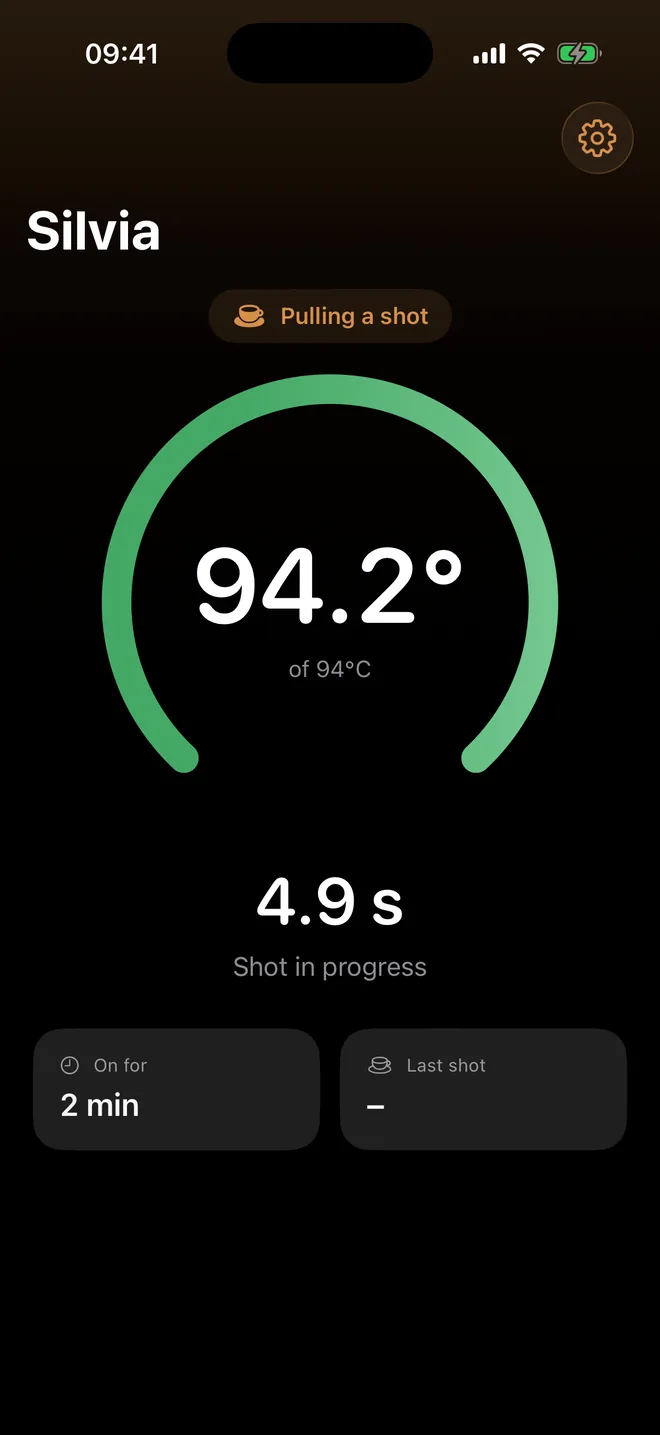
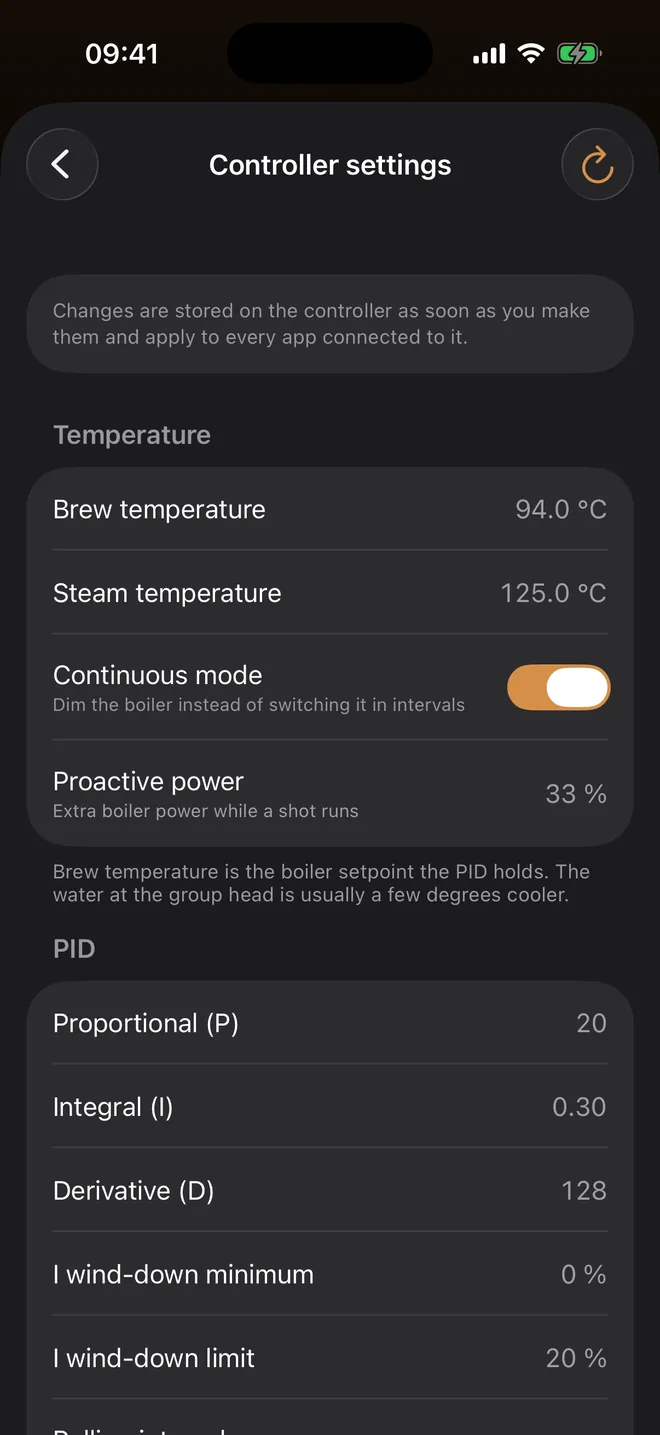
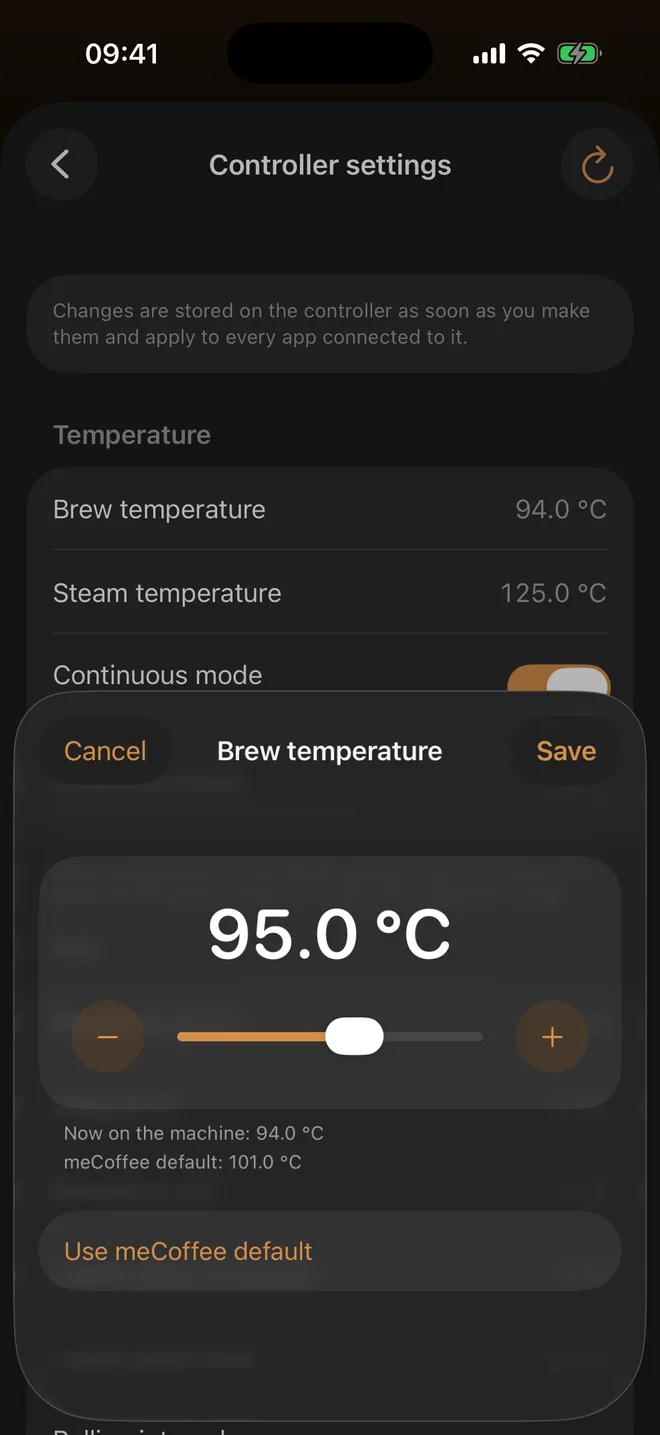
Screens from the demo mode.
Three notifications, that's the whole idea
Ready Notifications, one-time $9.99. Everything else in the app is free, and the demo shows the notifications for free too.
- Switched on. The moment the machine powers up, also when the controller's wake-up timer does it for you.
- Boiler ready. Once the boiler has held its brew temperature for a bit, not on the first overshoot.
- Fully warmed up. The group head and portafilter need longer than the boiler. You pick the warm-up time, 5 to 45 minutes.
They arrive with the app closed. iOS wakes the app when the controller shows up over Bluetooth. Walk out of range and come back, and you won't get the same notification twice.
The temperature at the group head, not the boiler
The meCoffee sensor sits on the boiler, and the water that reaches your coffee is a few degrees cooler. Set a temperature adjustment once and the app shows the corrected number everywhere: on the dial, in notifications and when you change the brew temperature. The controller keeps its own value.
Tinker with the PID
Brew and steam temperature, P, I and D, pre-infusion, the pressure profile, maximum shot time and the timers are all there. Changes are saved on the controller itself, so they stick no matter which app you use later.
- An espresso machine with a meCoffee PID with the Bluetooth LE module
- An iPhone with iOS 17 or later
The controller talks to one app at a time, so close any other app connected to it.
No meCoffee yet?
Tap Try the demo in the app. A simulated machine heats up, gets ready and pulls shots, so you can see everything before you buy the controller.
Private, obviously
No account, no analytics, no servers. The app talks to your machine and nothing else.
Say hi
Bug, idea, or a machine it doesn't work with? Email me at marcin@nglx.io. I read everything.